


Most advice on building a forex website is useless for South African traders.

David van der Merwe
متداول الأسواق الناشئة ·  South Africa
☕ 8 دقائق قراءة
ما ستتعلمه:
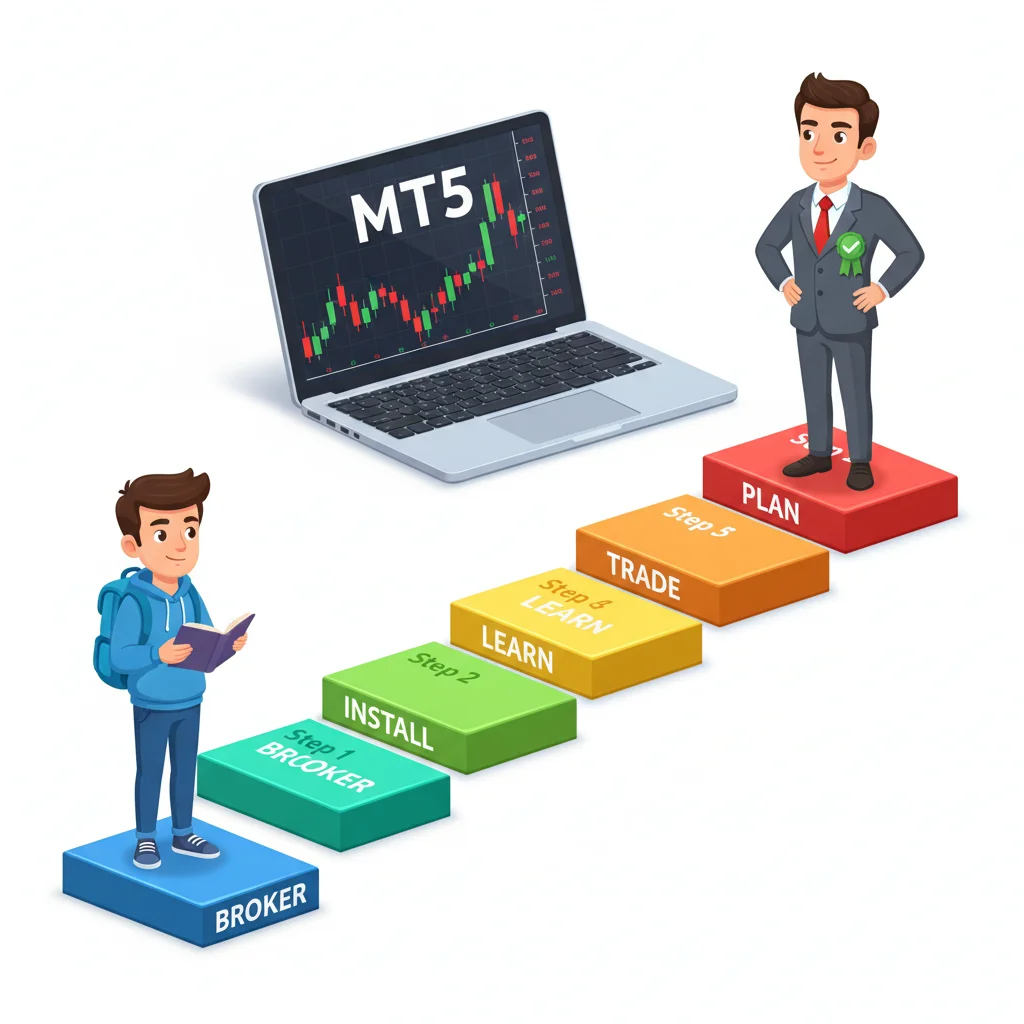
Most advice on building a forex website is useless for South African traders. It's all about fancy graphics and generic content. The truth is, your website isn't a brochure, it's your most important trading tool. I'll show you how to build one that serves your actual trading, connects you with the right local brokers, and helps you track your performance in Rand, not just in pips.
Forget everything you've read. For a serious trader, a forex website isn't about getting visitors or selling courses. It's your personal command centre. Think of it as a live dashboard for your trading psychology, a journal for your ZAR-based results, and a curated library of the only tools you actually trust.
When I started, I made a 'blog' full of analysis I copied from others. It was a waste of time. The shift happened when I started using my site to log every trade with screenshots, noting my emotional state ("FOMO after missing the morning move"), and linking directly to my broker's platform. My site became a mirror, and it wasn't always pretty. Seeing a string of three losing trades logged in cold HTML did more for my discipline than any book.
Your site should be private, password-protected, and brutally honest. Its core functions are: a trading journal, a link hub to your chosen platforms (like your Exness review or IC Markets review login), and a place to store your refined checklist for every setup.
You can't just copy a US or UK template. Our reality is different.
ZAR Pairs Front and Centre
Your dashboard must display USD/ZAR and EUR/ZAR prominently. These are your liquidity lifelines. Watching the dollar-rand volatility is a daily reality check. I have a simple widget on my site's homepage showing the live USD/ZAR rate. When it spikes above 18.80, I know imported inflation fears are rising and I should be more cautious on risk assets.
SA-Specific Broker Links
You need instant, reliable access to brokers that work here. This means ones that offer ZAR accounts, accept FNB/Standard Bank deposits, and have local support. I have a dedicated page with my direct login links and notes on spreads for SA-relevant pairs. For instance, I noted that during SA market hours, the spread on EUR/ZAR can be 50 pips wider on some international brokers versus local-facing ones. That's R500 on a standard lot before you even start!
Loadshedding Contingency
If your site relies on a complex, heavy backend that needs constant internet, you're going to have a bad time. Mine is static, fast, and caches everything. I can access my journal and plans even on slow mobile data during Stage 6. I learned this the hard way when I couldn't access my trade plan during an outage and took an impulsive trade that cost me 2% of my account.

Warning: Using a fancy, server-heavy website builder from overseas will fail you during loadshedding. Keep it simple, fast, and locally hosted if possible.

💡 نصيحة وينستون
Your website is a mirror, not a mask. If you find yourself designing it to impress others, you've already failed. Its only audience is you from six months in the future.
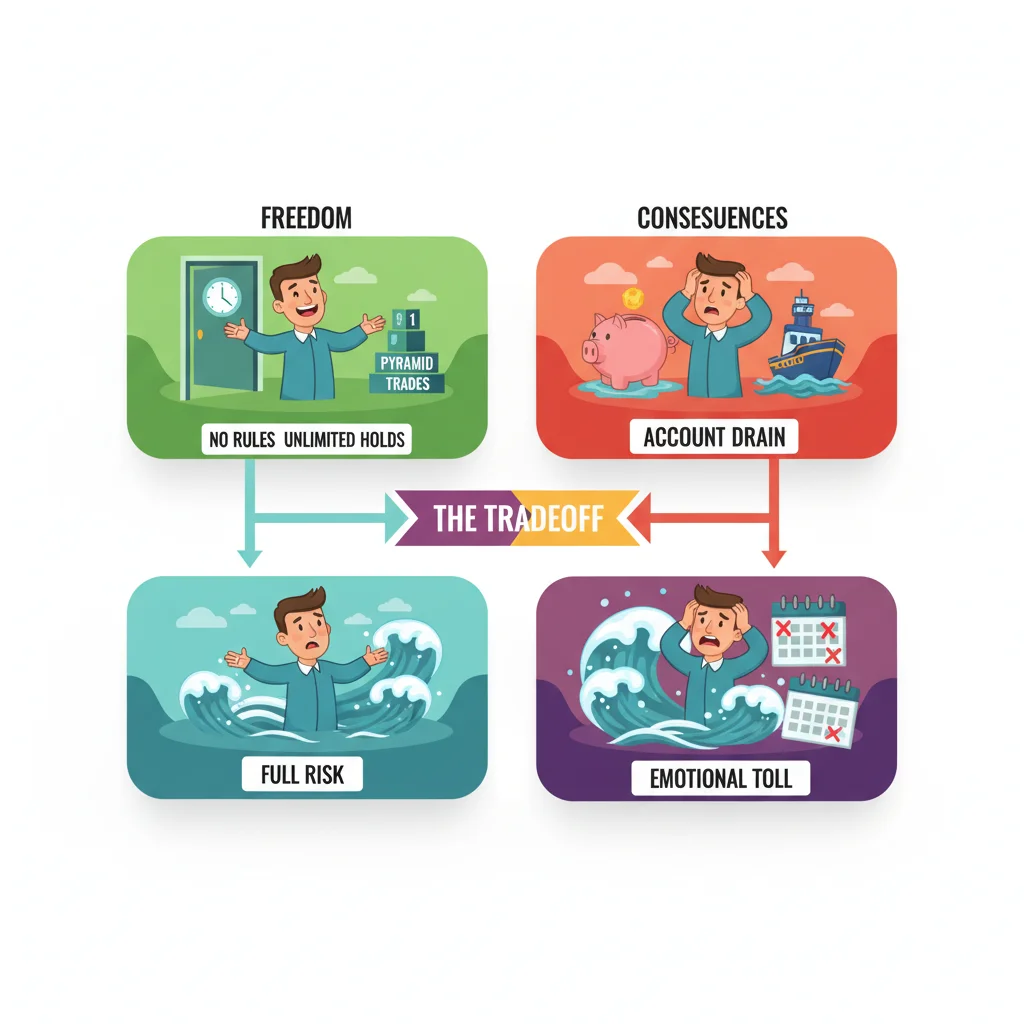
“Your forex website isn't a brochure, it's your most important trading tool.”
Don't build a monument. Build a toolkit.
- The Dashboard: One page. Live feeds of USD/ZAR, EUR/USD, and Gold (XAU/USD). A simple notepad for the day's bias. Links to your open platform tabs. That's it. No news feed clutter.
- The Trade Journal: This is the heart. Each entry must have: Date/Time, Instrument (e.g., USD/ZAR), Direction, Entry Price, Exit Price, Pips, Rand P&L, Screenshot of chart at entry, and the "Why" – both the technical reason and the emotional trigger. I review mine every Sunday. Seeing that I lost R12,000 over three trades because I was revenge trading after a school fees payment cleared was a brutal but necessary lesson.
- The Checklist Library: Separate pages for each strategy. My scalping strategy checklist has 5 bullet points. My swing trading checklist for EUR/USD has 8. Before any trade, I open the page and run down the list. It removes emotion.
- The Calculator Hub: Bookmark your essential tools. My page has direct links to my favourite position size calculator, a pip value calc for ZAR pairs, and a simple compound interest tracker. No searching, just click and go.

Example: Here's a real journal entry from last month: "2024-03-15, USD/ZAR, SELL, Entry 18.75, Exit 18.92, Stop 18.85. Loss: -170 pips. R-P&L: -R1,700 on a mini lot. Why? SARB was dovish, but I ignored the news because my RSI indicator was 'oversold.' Mistake: Ignored fundamental driver for a lagging indicator. Felt stubborn."
Your website and your MT5 platform should feel like one system. This is where most traders drop the ball.
You're not just linking to your broker's login. You're creating a seamless workflow. I have a section on my site with pre-defined trading session notes ("London Open Watchlist", "US Data Calendar"). Next to each, I have a direct link that opens MT5 on my XM review account with a specific chart template already loaded.
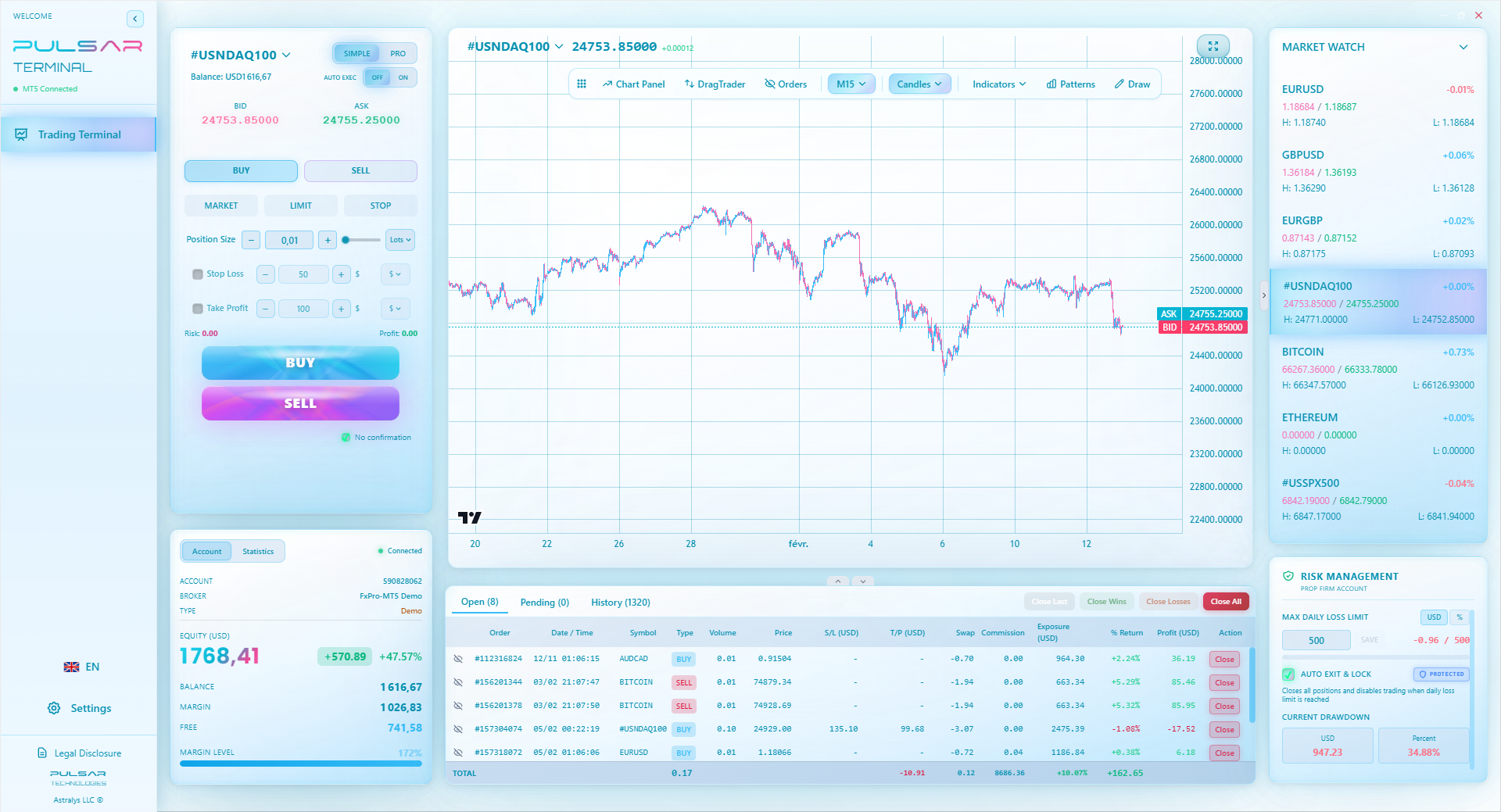
The real power, though, comes from using a terminal companion. Manually moving stop losses to breakeven or setting a complex trailing stop while watching USD/ZAR whip around is stressful. I started using Pulsar Terminal as an MT5 add-on because it lets me drag and drop orders and set multi-level take-profits with partial closures directly on the chart. I then log the strategy of that trade (e.g., "Used 3-tier TP with 50% closed at 20 pips") on my website journal. This connection between planning (website) and execution (platform) is everything.
Your website should document your rules, and your platform tools should execute them flawlessly. When they don't sync, you make mistakes. I once planned a grid trade on EUR/USD but tried to manually place 5 orders in a volatile market. I messed up the spacing, and the trade was a mess. Now, if a strategy requires a grid, I note it on my site and use a tool that can place all orders at once.
Executing complex trade plans manually under pressure is a major weak point; a tool like Pulsar Terminal automates your website's strategies—like multi-level TPs and trailing stops—directly on your MT5 chart.
Pulsar Terminal
أداة MT5 الشاملة: أوامر سحب وإفلات، متعدد TP/SL، تريلينج ستوب، تداول الشبكة، Volume Profile وحماية البروب فيرم. يستخدمها أكثر من 1000 متداول يومياً.
“Seeing a string of three losing trades logged in cold HTML did more for my discipline than any book.”
The internet is full of terrible advice for trader websites.
Never, ever make a public signal service. Unless you're FSCA licensed (and you're not), you're walking into legal and ethical nightmare. Even giving 'free tips' can backfire. I tried it early on to 'build credibility.' A friend followed a casual USD/ZAR short I mentioned and lost money. It damaged the friendship and taught me to keep my live views private.
Avoid real-time P&L displays or ego-driven profit counters. They encourage risk-taking. My site only shows closed trade history. The live account balance stays in MT5.
Ditch the generic economic calendar. Instead, curate a list of 5-10 specific data releases that actually move your pairs. On my site, I only have US NFP, CPI, SARB rate decisions, and SA budget speech dates. Nothing else. Clarity over completeness.
Don't waste time on 'SEO' or social media feeds. Your goal isn't pageviews, it's better trades. That hour you spend trying to rank for 'best forex signals South Africa' is an hour you're not analyzing the MACD indicator divergence on the daily chart.

Pro Tip: Password-protect everything. Use a simple .htaccess login. Your trading thoughts and results are valuable intellectual property. Don't leave them in the open for copycats or to subconsciously influence you to show off.
💡 نصيحة وينستون
The most important metric on your site is not win rate. It's 'Average Rands Lost per Failed Trade.' Get that number down, and survival is guaranteed. Profit follows survival.
After 100 trades logged, your website becomes a goldmine of personal data. This is where you move from a passive logger to an active analyst of your own behaviour.
I export my journal entries into a spreadsheet quarterly. Then I look for patterns no guru can tell me. In Q4 2023, I found that 70% of my losses on EUR/USD guide came from trades entered between 10:00 and 11:30 SA time. That's when I'm checking emails, getting distracted. The solution? I blocked that time off for analysis only, no entries. My website told me that.
Another time, I realized my average winner on Gold (XAU/USD guide trades was 18 Rands per pip, but my average loser was 28 Rands per pip. I was cutting winners short and letting losers run. My site's cold, hard numbers showed the flaw my brain was rationalizing. I then added a strict rule to my checklist page: "For Gold, initial stop-loss must be ≤ 15 pips. Take profit must be set at ≥ 25 pips." The website diagnosed the disease and stored the cure.
This process of review -> insight -> rule creation -> checklist update is the ultimate feedback loop. Your website facilitates it all.

“The value isn't in the code. It's in the habit. The website is just the bucket you use to carry water from the well of experience.”
You don't need a developer. You need action.
- Choose a Simple Host: Use a local South African host like Afrihost or Hetzner SA. Better latency, support during business hours. Cost: About R150/month.
- Install WordPress (or go simpler): It's easy. Use a brutally minimal theme. I use "GeneratePress." Total setup time: 30 minutes.
- Create the Four Pages: Dashboard, Journal, Checklists, Calculators. Use simple text. Don't design, just write.
- Add Your Links: Create a bookmarks section. Link to your broker (Pepperstone review, etc.), your favourite pip definition guide for beginners, and a real-time charting site like TradingView.
- Password Protect It: In your hosting control panel, find 'Password Protect Directories' and lock down the entire site.
That's it. You now have a functional forex website that serves you, not the other way around. Your first entry should be: "[Date]. Started trading website. Goal: Log every trade for 30 days with no judgement. Current focus: Not blowing past my daily loss limit and avoiding a margin call."
The value isn't in the code. It's in the habit. The website is just the bucket you use to carry water from the well of experience. Start carrying.
FAQ
Q1Do I really need my own website? Can't I just use a notebook?
You can use a notebook. But a website is searchable, accessible from any device (phone during loadshedding backup), and lets you embed charts and links. It formalizes the process. A notebook gets lost, coffee-stained, and abandoned. A website becomes a system.
Q2Is it legal to have a private trading website in South Africa?
Absolutely. A private, password-protected site for your own use is perfectly legal. You only run into FSCA regulations if you start offering financial advice, signals, or managed account services to the public through it. Keep it personal, keep it legal.
Q3What's the one thing I should add first?
The trade journal page. Start logging your very next trade. Include the Rand P&L. That single act of recording in your own currency changes your perspective immediately.
Q4I'm not tech-savvy. Is this too complicated?
Not at all. If you can use online banking, you can set this up. Use a simple site builder from your host (like SitePad). It's drag-and-drop. The complexity is in your trading, not the website. Keep the site stupidly simple.
Q5How do I track my Rand P&L easily?
Don't overcomplicate it. Use a simple formula in your journal: (Exit Price - Entry Price) * Pip Value (in ZAR) * Lot Size. Your broker's statement shows your ZAR balance. The key is to manually calculate it for each trade on your site. That manual process burns the result into your brain.
Q6Should I share my website with my trading mentor or group?
That's a powerful idea. Sharing a read-only link with a trusted mentor allows for specific, data-driven feedback. They can see your exact entries, your stated reasoning, and spot discrepancies you're blind to. It's far better than just saying "I lost money today."
درس البروفيسور وينستون
النقاط الرئيسية:
- ✓A trading website must be a private command centre, not a public blog.
- ✓For SA traders, ZAR pairs and loadshedding-proof design are non-negotiable.
- ✓The trade journal is the core; log Rands, not just pips.
- ✓Integrate execution tools to bridge planning and action.
- ✓Review journal data quarterly to find your personal failure patterns.
ما مدى فائدة هذا المقال؟
انقر على نجمة للتقييم
رؤى التداول الأسبوعية
تحليلات واستراتيجيات أسبوعية مجانية. بدون رسائل مزعجة.
عن المؤلف
David van der Merwe
متداول الأسواق الناشئة
متداول مقيم في جوهانسبرغ مع 11 عاماً في عملات الأسواق الناشئة. متخصص في أزواج ZAR والتداول المنظم من FSCA وتحليل السوق الجنوب إفريقي.
التعليقات
تحذير من المخاطر
ينطوي تداول الأدوات المالية على مخاطر كبيرة وقد لا يكون مناسبًا لجميع المستثمرين. الأداء السابق لا يضمن النتائج المستقبلية. هذا المحتوى لأغراض تعليمية فقط ولا ينبغي اعتباره نصيحة استثمارية. قم دائمًا بإجراء بحثك الخاص قبل التداول.
قد يعجبك أيضًا

Cara Trading Forex Sukses: 7 Prinsip dari Trader Profesional
Cara trading forex sukses dengan 7 prinsip trader pro: manajemen modal, disiplin, journal trading, backtest. Data nyata, bukan janji profit palsu.
Jam Trading Forex Terbaik untuk Trader Indonesia: Panduan Lengkap dengan Tabel Waktu
Panduan jam trading forex untuk trader Indonesia. Tabel 4 sesi dunia, jam emas 20:00-00:00, sesi mana yang harus dihindari. Data akurat + tips dari trader berpengalaman.
Top 5 Sàn Forex Uy Tín Nhất 2026: Review Jujur dari Trader Indonesia
Top 5 sàn forex uy tín 2026 untuk trader Indonesia. Review jujur: spread, deposit, withdraw, dukungan lokal. Exness, XM, IC Markets & lebih.
احصل على Pulsar Terminal
جميع هذه الحاسبات مدمجة في Pulsar Terminal مع بيانات حية من حساب MT5 الخاص بك.
احصل على Pulsar Terminal