


Most Nigerian traders are wasting money on a Forex VPS.

Olumide Adeyemi
Пионер трейдинга в Западной Африке ·  Nigeria
☕ 12 мин чтения
Что вы узнаете:
- 1What the Hell is a Forex VPS? (And Do You Need One?)
- 2The Real Costs: What You'll Actually Pay in Naira
- 3How to Get a Free VPS from Your Broker (The Smart Way)
- 4Setting It Up: A 15-Minute Task (Don't Panic)
- 5vps-vs-local-pc-nigeria
- 6Choosing a Provider: What Actually Matters
- 7Common VPS Mistakes That Will Cost You
Most Nigerian traders are wasting money on a Forex VPS. I said it. You're being sold a solution to a problem you might not even have, often by people who get a commission. I've paid for VPS services I didn't need, watched trades execute perfectly from my flat in Lagos during a blackout, and seen traders blow accounts blaming 'latency' when their strategy was just bad. In this forex VPS review, I'll prove whether you need one, show you how to get it for free from your broker, and expose the real numbers so you don't get scammed.
A Forex Virtual Private Server (VPS) is a remote computer, running 24/7, that you rent to host your trading platform. Think of it as leaving your MT4 or MT5 running on a computer in a data center in London or New York instead of on your laptop in Ikeja.
The sales pitch is all about three things: uptime, speed, and automation.
Uptime: This is the big one for Nigeria. Our power grid is... creative. A VPS doesn't care about NEPA taking light or your generator fuel running out. If your strategy requires your EA or bot to be online constantly, this is non-negotiable. I learned this the hard way in 2019. I was running a simple grid EA on EUR/USD. A 14-hour blackout in my area coincided with a major ECB announcement. The EA couldn't close positions as the market spiked, and I came back online to a margin call. That was a $420 lesson.
Speed (Latency): This is where the hype often outweighs the reality. The VPS is physically closer to the broker's server. A trade order from Lagos might take 200-300ms to reach a broker in Cyprus. From a VPS in London to that same broker, it might be 5-10ms. For 99% of retail traders - especially if you're swing trading or holding positions for hours - this difference is meaningless. You will not notice it. If you're a scalping fiend trying to catch 2-pip moves on news, maybe. But let's be real, most of us aren't.
Automation: If you use Expert Advisors (EAs), robots, or trade copiers, they need to run non-stop. A VPS provides that stable environment.

Warning: A VPS makes a bad strategy lose money faster and more reliably. It doesn't make you a better trader. It just makes your technical execution consistent. Get your psychology and edge sorted first.
So, do you need one? Ask yourself: Do you trade with EAs or bots? Does your internet/power fail constantly during your trading hours? If you answered 'no' to both, you probably don't need a VPS right now. Save your money.

💡 Совет Уинстона
A VPS is a tax on poor infrastructure and automated trading. If you don't have both problems, you're likely burning capital on a comfort item.
“Most Nigerian traders are wasting money on a Forex VPS.”
Let's cut through the marketing. Prices are in USD, so your cost in Naira swings with the exchange rate. Using a rate of ~₦1,450/$, here's the reality.
| Provider | Monthly Price (USD) | Est. Monthly Cost (NGN) | What You Get (Basic Plan) |
|---|---|---|---|
| UltaHost | $7.99 | ~₦11,585 | 1 CPU, 1GB RAM, 30GB SSD. The bare minimum. |
| MyForexVPS | $15.95 | ~₦23,128 | 1GB RAM, 20GB disk. A popular mid-tier choice. |
| Fozzy | $24.50 | ~₦35,525 | 1 core, 1GB RAM. Often bundled with EAs. |
| Local Provider (e.g., PerfectvisualHost) | ~$56.00 | ~₦81,200 | 2GB RAM, 30GB storage. Pricey for local hosting. |

Example: That 'cheap' $15.95 plan from MyForexVPS isn't so cheap. Over a year, that's $191.40, or roughly ₦277,530. That's a serious chunk of capital that could be in your trading account instead.
Now, here's the secret most reviews don't shout about: Your broker might give you one for free. Many top brokers offer complimentary VPS services if you meet certain conditions. For example, FP Markets will cover your VPS fees if you trade over 5 lots in a month on a Standard account. IC Markets has a similar offer. I use a free VPS from my broker right now. I had to deposit a certain amount and maintain a minimum volume, but it cost me zero extra dollars. Always check your broker's promotions page first.
The local provider at ~₦81k/month is a joke, frankly. You're paying a massive premium for servers that are likely further from your broker's data centers, increasing latency. Avoid unless you have a specific, verified need for local hosting (which you almost certainly don't).
“A VPS makes a bad strategy lose money faster and more reliably.”
This is the single biggest money-saving tip in this entire forex VPS review. Don't rent one until you've exhausted this avenue.
Most reputable brokers offer this to attract and retain active clients. The logic is simple: if your EA is running smoothly on their recommended VPS, you'll trade more, and they'll make more from spreads/commissions.
Here’s how it typically works:
- Meet the Minimum Deposit: This is the most common hurdle. It can range from $500 to $1000. For a broker like Exness or IC Markets, this might be part of their premium client package.
- Maintain a Monthly Trading Volume: This is the other big one. You might need to trade 5-10 standard lots per month. This sounds like a lot, but if you're trading multiple positions or using an EA, it adds up fast. A single 1.0 lot trade is one standard lot.
- Apply Through Your Broker: It's not automatic. You usually have to contact support or fill out a form in your client cabinet. They'll then provide you with login details for a partnered VPS service (like Beeks, FXVM, or TradersHome).
I got my current VPS through XM years ago. I met their volume requirement (it was 5 lots/month back then), submitted a ticket, and had the details within 24 hours. The performance was identical to a $20/month VPS I was previously paying for. I was literally throwing money away.
The Catch: If your trading volume drops below the threshold, they'll usually start charging you the monthly fee. So it keeps you active. But if you're a serious trader, hitting that volume should be part of your plan anyway. It forces discipline.
Before you Google "best forex VPS," log into your broker's website. Check the "Promotions," "VPS," or "Partners" section. Or just ask support: "What are the requirements for a free VPS?" This one call could save you over ₦200,000 a year.
“A VPS makes a bad strategy lose money faster and more reliably.”
The setup sounds technical, but it's basically just remote-controlling another computer. If you can use TeamViewer to help your aunt, you can do this.
Step-by-Step Walkthrough
- You Get Login Details: Your VPS provider or broker will send you an IP address, a username (usually 'Administrator'), and a password. Write these down.
- Connect via Remote Desktop: On your Windows PC, search for "Remote Desktop Connection." Paste the IP address into the "Computer" field and click Connect.
- Log In: Enter the username and password you were given. You'll now see the desktop of the remote VPS. It's a fresh, empty Windows installation.
- Install Your Trading Platform: Open a browser on the VPS, go to your broker's website, and download MT4/MT5. Install it. Do not install anything else. No games, no YouTube, no random software. This keeps it lean and fast.
- Log into Your Trading Account: Open the platform and log in with your real trading account credentials. Apply your charts, indicators like the RSI indicator or MACD indicator, and EAs.
- Disconnect (Don't Shut Down!): When you're done, just close the Remote Desktop window. A pop-up will ask if you want to disconnect. Say yes. The VPS stays running with your platform open.

Pro Tip: The first thing I do on a new VPS is set the MT4/MT5 charts to a simple black-and-white theme. It reduces graphical load on the remote server. Fancy rainbow-colored charts are for your local machine.
The entire process takes 15 minutes if your internet is decent. The key is to treat the VPS as a dedicated trading machine, not a second computer. Its only job is to run your terminal and execute trades.
💡 Совет Уинстона
The 'ping' from your local PC to your broker's server matters more than the VPS's ping. Test it first. You might be surprised how decent it is.
“Your broker might give you one for free. Always check this first.”
Let's settle the debate with a simple table. Is the VPS hype real for our specific Nigerian context?
| Factor | Trading from Your Local PC (Lagos/Abuja) | Trading from a Forex VPS | Winner & Why |
|---|---|---|---|
| Uptime/Reliability | Dies with your power/internet. Unpredictable. | 99.9% uptime guarantee. Uninterrupted. | VPS, easily. This is its killer feature for Nigeria. |
| Latency (Speed) | 150-400ms to broker servers. | 1-10ms to broker servers. | VPS, technically. But for most retail styles, this is a negligible advantage. |
| Cost | Just your existing electricity & data. | $10-$50+ per month (₦14.5k - ₦72.5k+). | Local PC. It's free. You're already paying for light and data. |
| Setup & Maintenance | You manage everything. Updates, crashes, etc. | Provider manages the server. You just manage MT4. | VPS. It's hands-off. |
| Automation (EAs) | Stops when your PC sleeps or disconnects. | Runs 24/7, through weekends and news events. | VPS. Essential for automated trading. |
| Security | Risk of local malware, keyloggers, or system failure. | Isolated environment. No risk from your local PC's vulnerabilities. | VPS. A cleaner, more secure setup. |
My blunt take: If you are a manual swing or position trader who checks charts a few times a day, a VPS is an unnecessary luxury. Your phone with a broker's app is a better backup for power failures.
If you use EAs, run scalping strategies sensitive to delay, or have such terrible infrastructure that you can't be online during key market hours (London/New York overlap), then a VPS is a necessary business expense. It's a tool, not a magic profit generator.
I made the mistake of getting a VPS when I was just starting out with manual trading. I thought it would make me 'professional.' All it did was burn a hole in my pocket while I emotionally overtraded from my phone anyway. The tool was right, but the trader (me) was wrong.
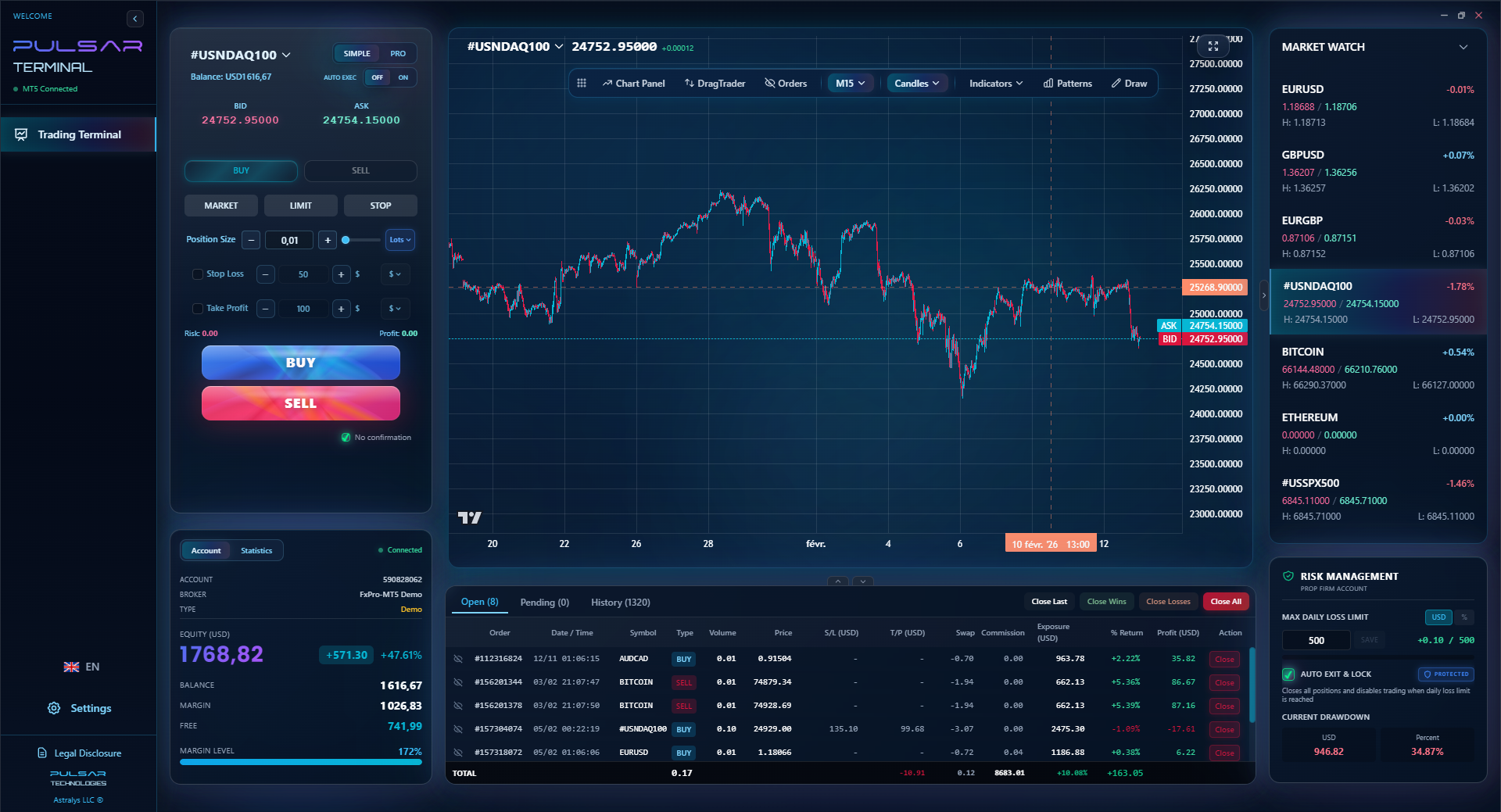
If you're using a VPS to run complex strategies, tools like Pulsar Terminal let you manage advanced order types and risk directly on your MT5 charts, making remote management far more efficient.
Pulsar Terminal
Универсальный инструмент для MT5: drag-and-drop ордера, мульти-TP/SL, трейлинг-стоп, грид-трейдинг, Volume Profile и защита для проп-фирм. Используется 1000+ трейдерами ежедневно.
“Your broker might give you one for free. Always check this first.”
If you've decided you need one, and your broker doesn't offer a freebie, here's what to look for beyond the price tag. Ignore the flashy marketing about "ultra-low latency" - they all say that.
- Server Location: This is critical. The server should be in the same data center as your broker's main trade servers. If your broker's liquidity is in London (LD4), get a VPS in London. If it's in New York (NY4), get one there. Most good VPS providers (like the ones brokers partner with) will have a selection. Ask your broker's support for their server location code.
- Specifications (RAM & CPU): For running MT4/MT5 and a few EAs, you don't need a supercomputer. 1GB of RAM is the absolute minimum. 2GB is comfortable. A single CPU core is usually fine. Don't pay for 4GB RAM and 4 CPUs unless you're running incredibly complex multi-currency portfolio EAs (and if you are, you're not reading a beginner guide).
- Windows OS: Ensure it's a proper Windows Server OS (like Windows Server 2019). Some cheap providers use Linux templates that are a pain to configure for MT4.
- Support & Uptime Guarantee: Look for a 99.9% uptime guarantee. Check if they have 24/7 support via live chat. You don't want your VPS to die during the NFP report and have no one to call.
- Money-Back Trial: A reputable provider will offer a 7-14 day money-back trial. Use it. Test the latency, install your platform, and run a demo EA for a week. See if it's stable.
I once tried a budget VPS from a non-specialist provider. The price was right ($9/month), but the server was in a random data center in Germany while my broker was in London. The latency was actually worse than from my home in Lagos. I also got random disconnects. I cancelled within the trial period. Lesson: proximity to your broker's hub is everything.
For most Nigerians, the best path is: Broker's Free VPS > Specialized Forex VPS Provider (like MyForexVPS, FXVM) > General-Purpose VPS Provider. Skip the local hosting for forex; it's not geared for it.
💡 Совет Уинстона
Before you buy a VPS, calculate its annual cost as a percentage of your trading capital. If it's over 2%, it's too expensive for what it provides.
“The local provider at ~₦81k/month is a joke, frankly.”
I've made these. My students have made these. Let's stop the cycle.
Mistake 1: Treating it like a backup for bad internet alone. If your only issue is that your Glo data is slow, a VPS is overkill. Get a better ISP or a backup line. A VPS solves uninterrupted runtime, not your connection speed to view the charts.
Mistake 2: Not using a position size calculator. This is the biggest irony. Traders will spend $30 a month on a VPS for 'precision' but then manually guess their lot size, blowing their account on a single trade. The VPS executes your stupidly large trade perfectly and quickly. Congrats. Automate your risk management first.
Mistake 3: Installing junk on the VPS. This isn't your PC. Don't browse the web on it. Don't check email. Every extra process consumes resources and increases the tiny risk of malware. It's a dedicated trading machine. Period.
Mistake 4: Forgetting about it. You set up an aggressive EA, put it on the VPS, and forget for a month. You don't monitor the performance, the equity curve, nothing. Then you log in to find it has hit a margin call or blown through its daily loss limit. The VPS provides reliability, not babysitting. You still need to review your trades.
Mistake 5: Blaming the VPS for strategy failures. 'My EA lost money because the VPS had a lag spike.' This is almost never the case. The spread widened, your strategy logic was flawed, or the market was just chaotic. The VPS is a scapegoat. Own your strategy's performance. Backtest it thoroughly before letting it run on a 24/7 server.
The core mistake is putting the technical cart before the strategic horse. A VPS is the final piece of infrastructure for a proven, automated system. It is not the starting point for a hopeful new trader.
FAQ
Q1Is a Forex VPS legal for Nigerian traders to use?
Yes, absolutely. There is no Nigerian law prohibiting the use of a VPS for trading. You are renting a computer in another country, which is a completely standard IT service. The legality of your trading depends on your broker's regulation, not your computer's location.
Q2Can I use a VPS on my phone or iPad?
You can manage a VPS from your phone using Remote Desktop apps, but it's a terrible experience. The VPS itself runs the full Windows version of MT4/MT5. You use your phone to connect to it, but you're still trying to interact with a desktop interface on a tiny screen. It's for emergency checks only. For regular trading on mobile, use your broker's dedicated app.
Q3What happens if my VPS disconnects or crashes?
Your open trades remain open with your broker. The VPS is just a terminal. If it crashes, your orders don't vanish. However, any pending orders (Stop Loss, Take Profit) you set will still be active at the broker's server. The danger is if your EA was managing a trailing stop or a complex strategy - that logic stops running until the VPS and EA restart.
Q4Do I need a VPS for prop firm challenges?
It is highly, highly recommended. Prop firms have strict rules on margin call and daily loss limits. If your power goes out and an EA can't manage risk, you could fail the challenge through no fault of your strategy. A VPS provides the stability they expect. Many prop firms even have partnerships with VPS providers for this reason.
Q5How much data does a Forex VPS use?
Very little. It's only transmitting price data and order messages, not video. A running MT4 platform might use 100-300 MB per month. Your data consumption happens on your local PC when you connect via Remote Desktop to view it.
Q6Can multiple people or accounts use one VPS?
Technically yes, but you shouldn't. You can install multiple MT4 terminals for different accounts. But it strains resources and creates a single point of failure. If the VPS has an issue, all accounts go down. It's better for each serious automated trader to have their own instance.
Q7My broker offers a free VPS. Is it as good as a paid one?
Usually, yes. It's often the exact same service (like from Beeks or FXVM) that you'd pay for directly. The broker just pays the bill because you're a valuable client. The performance is identical. The only potential downside is that if you change brokers, you lose the VPS.
Урок проф. Уинстона
Ключевые выводы:
- ✓Get a free VPS from your broker before paying.
- ✓You need 1-2GB RAM max, not a supercomputer.
- ✓Server location must match your broker's data center.
- ✓It's essential for EAs, a luxury for manual trading.
- ✓Annual cost should be under 2% of your capital.
Насколько полезна эта статья?
Нажмите на звезду
Еженедельные торговые инсайты
Бесплатный еженедельный анализ и стратегии. Без спама.
Об авторе
Olumide Adeyemi
Пионер трейдинга в Западной Африке
Один из самых активных преподавателей форекс-трейдинга в Нигерии. 8 лет торгового опыта из Лагоса. Специализируется на стратегиях с малым капиталом и челленджах проп-фирм для африканских трейдеров.
Комментарии
Предупреждение о рисках
Торговля финансовыми инструментами сопряжена со значительным риском и может не подходить всем инвесторам. Прошлые результаты не гарантируют будущих доходов. Данный контент носит исключительно образовательный характер и не является инвестиционной рекомендацией. Всегда проводите собственное исследование перед торговлей.
Вам также может понравиться

Cara Trading Forex Sukses: 7 Prinsip dari Trader Profesional
Cara trading forex sukses dengan 7 prinsip trader pro: manajemen modal, disiplin, journal trading, backtest. Data nyata, bukan janji profit palsu.
Jam Trading Forex Terbaik untuk Trader Indonesia: Panduan Lengkap dengan Tabel Waktu
Panduan jam trading forex untuk trader Indonesia. Tabel 4 sesi dunia, jam emas 20:00-00:00, sesi mana yang harus dihindari. Data akurat + tips dari trader berpengalaman.
Top 5 Sàn Forex Uy Tín Nhất 2026: Review Jujur dari Trader Indonesia
Top 5 sàn forex uy tín 2026 untuk trader Indonesia. Review jujur: spread, deposit, withdraw, dukungan lokal. Exness, XM, IC Markets & lebih.
Скачать Pulsar Terminal
Все эти калькуляторы встроены в Pulsar Terminal с данными в реальном времени с вашего счёта MT5.
Скачать Pulsar Terminal